
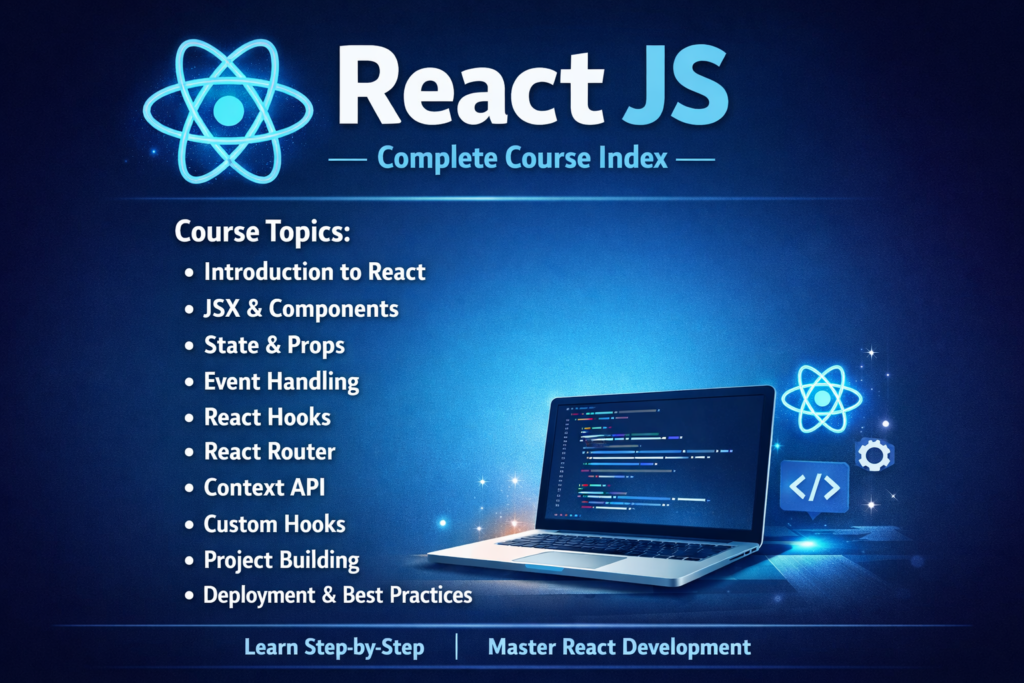
Welcome to React JS. Below is the complete course list organized into sections. Click any lesson to open the full page. Follow lessons in chronological order for smooth learning.
Jump to: React Basics • Core Concepts • Hooks • Routing • State Management • API Integration • Styling • Forms • Best Practices • Projects
📘 Section 1 — React Basics
Introduction to React and setting up the development environment.
- Lesson 1 — What is React JS?
Introduction, history, and why React was created.
- Lesson 2 — Why React is Popular?
Key features, benefits, and industry adoption.
- Lesson 3 — React vs Angular vs Vue
Comparison of modern frontend frameworks.
- Lesson 4 — Setting Up Environment (Node & npm)
Installing Node.js, npm, and basic setup.
- Lesson 5 — Create React App vs Vite
Choosing the right React tooling.
- Lesson 6 — React Folder Structure Explained
Understanding src, public, and project layout.
⚛️ Section 2 — Core Concepts
Fundamental building blocks of React.
- Lesson 7 — JSX Explained
JSX syntax and rendering logic.
- Lesson 8 — Components (Function vs Class)
Component types and usage.
- Lesson 9 — Props in React
Passing data between components.
- Lesson 10 — State in React
Managing UI data using state.
- Lesson 11 — Handling Events
Handling clicks, inputs, and user actions.
- Lesson 12 — Conditional Rendering
Rendering UI conditionally.
- Lesson 13 — Lists & Keys
Rendering lists efficiently.
🔁 Section 3 — React Hooks
- Lesson 14 — What are Hooks?
Introduction to hooks and why they were added to React.
- Lesson 15 — useState Hook
Managing component state using the useState hook.
- Lesson 16 — useEffect Hook
Handling side effects and lifecycle behavior in React.
- Lesson 17 — useContext Hook
Sharing data globally and avoiding props drilling.
- Lesson 18 — Custom Hooks
Creating reusable logic with custom hooks.
- Lesson 19 — Rules of Hooks
Understanding rules and best practices for hooks.
🧭 Section 4 — Routing & Navigation
- Lesson 20 — React Router Setup
Installing and configuring React Router in a project.
- Lesson 21 — BrowserRouter, Routes & Route
Understanding core routing components in React.
- Lesson 22 — useParams & useNavigate
Working with dynamic routes and programmatic navigation.
- Lesson 23 — Protected Routes
Implementing authentication-based route protection.
🧠 Section 5 — State Management
- Lesson 24 — Props Drilling Problem
Understanding the limitations of passing props deeply.
- Lesson 25 — Context API (Real Example)
Managing global state using React Context API.
- Lesson 26 — LocalStorage & Session Handling
Persisting data using browser storage.
- Lesson 27 — Redux Toolkit Introduction
Modern and simplified approach to Redux state management.
- Lesson 28 — Redux Toolkit CRUD Example
Implementing create, read, update, and delete using Redux Toolkit.
🌐 Section 6 — API Integration
- Lesson 29 — Fetch API in React
Fetching backend data using the Fetch API.
- Lesson 30 — Axios in React
Making HTTP requests using Axios library.
- Lesson 31 — Handling Loading & Errors
Managing loaders and error states in API calls.
- Lesson 32 — Environment Variables
Using environment variables for configuration.
🎨 Section 7 — Styling in React
- Lesson 33 — CSS in React
Applying traditional CSS styles in React components.
- Lesson 34 — Inline Styling
Styling components using inline styles.
- Lesson 35 — CSS Modules
Writing scoped and modular CSS in React.
- Lesson 36 — Tailwind CSS (Optional)
Utility-first CSS framework with React.
- Lesson 37 — MUI / Bootstrap Intro
Using popular UI libraries with React.
🛠️ Section 8 — Forms & Validation
- Lesson 38 — Controlled vs Uncontrolled Inputs
Understanding different ways to handle form inputs.
- Lesson 39 — Forms in React
Creating and handling forms in React applications.
- Lesson 40 — React Hook Form
Simplifying form handling using React Hook Form.
- Lesson 41 — Form Validation
Validating user input effectively in forms.
🧪 Section 9 — Best Practices
- Lesson 42 — Folder Structure Best Practices
Organizing React projects for scalability.
- Lesson 43 — Reusable Components
Designing reusable and maintainable components.
- Lesson 44 — Performance Optimization
Improving performance using memoization techniques.
- Lesson 45 — Common Mistakes in React
Avoiding frequent mistakes made by React developers.
🚀 Section 10 — Mini Projects
- Project 1 — Todo App
Building a complete todo application using React.
- Project 2 — Survey Form
Creating a dynamic survey form with validation.
- Project 3 — Login / Register App
Authentication flow with login and registration.
- Project 4 — Dashboard with API
Building a dashboard using real-time API data.